


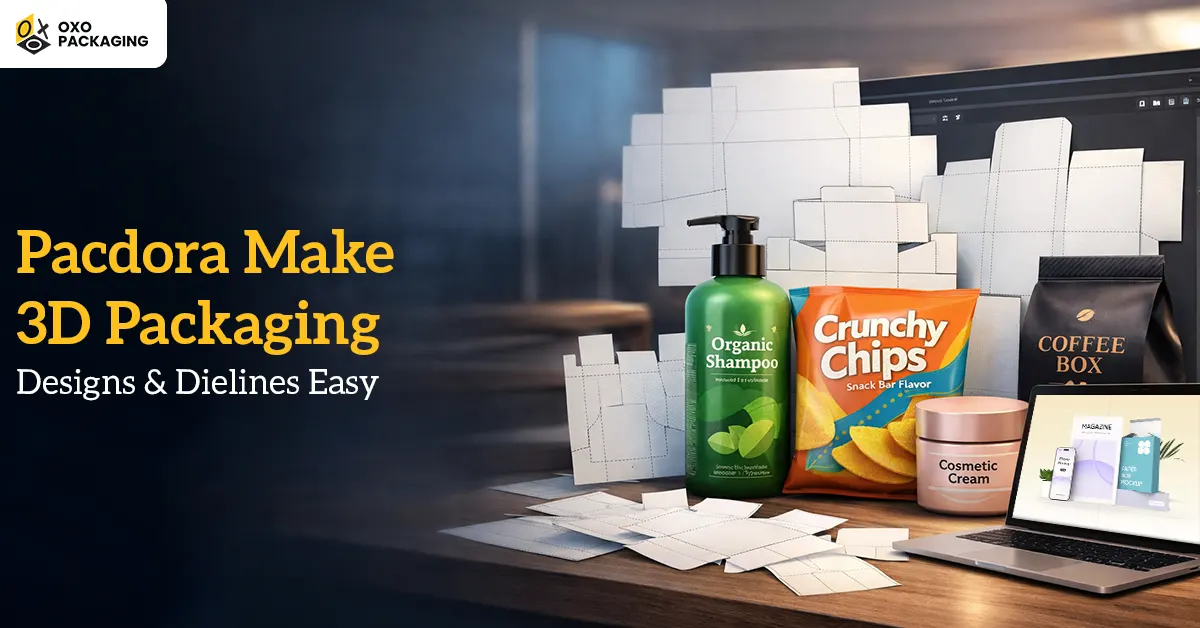
Every modern product-selling business needs fast, flexible, and visually impressive packaging. As a matter of fact, product packaging starts online in the modern digital realm rather than on the factory floor.
That’s where online 3D packaging design tools come into play. And Pacdora has emerged as a “staple tool” for graphic designers, startups, and e-commerce brands. By using this tool, you can generate quality packaging without wrestling with complicated software.
Pacdora tool makes 3D Packaging easy like a piece of cake for a newbie packaging designer to a brand owner looking to visualise their next product line. Explore how:
Why Do You Need to Upgrade 3D Packaging Design Software?
Before diving into how Pacdora makes 3D Packaging design and dielines easy, understand why you need to make the switch to it. Heavy downloads, steep learning curves, and expensive licenses make conventional packaging software outdated. These factors keep you lagging and depending on expert designers.
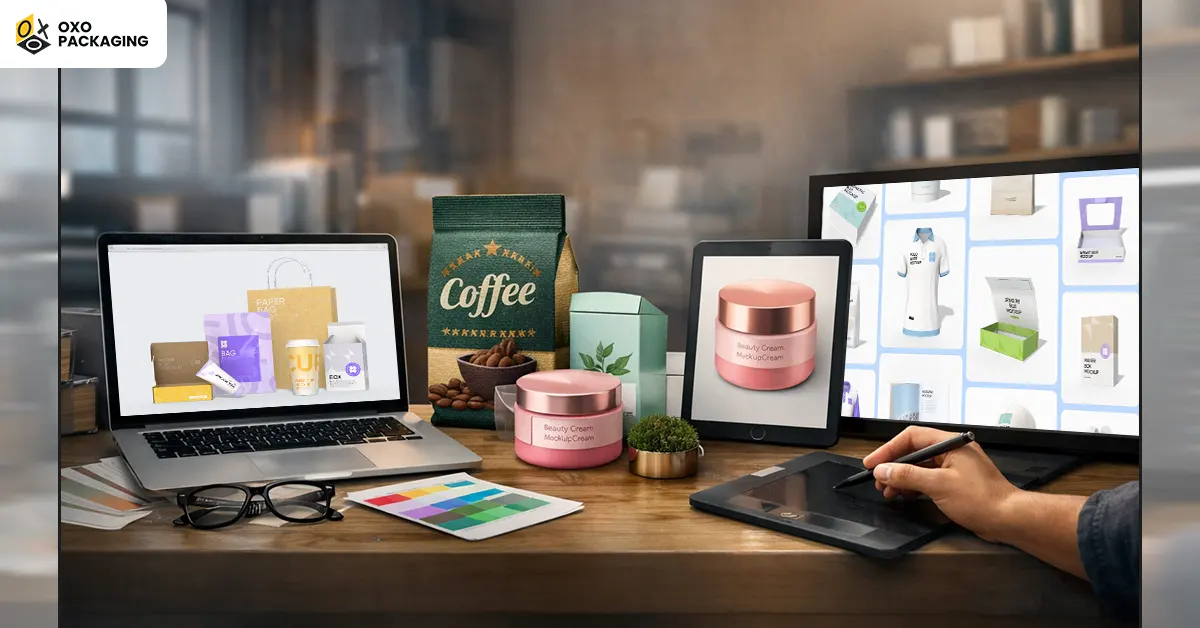
However, Pacdora has empowered you by eliminating your reliance on others. If you leverage this tool, you neither need to hire a designer for the dielines nor a 3D artist for mockups. You can do it all along with quick prototypes using Pacdora.
And with current fast-moving dynamics, product launches are rapid, and marketing teams want visuals from yesterday. Contrarily, online stores depend heavily on 3D renders to persuade customers to click “Add to Cart.”
That’s the exact reason why online packaging design has become popular. And following this, Pacdora shines like a shooting star that’s specifically designed to facilitate modern workflows.
A Brief Overview of Pacdora
When it comes to Pacdora, expect nothing but precise 3D designs of product packaging with an easy-to-use interface. You don’t need to put much effort into producing a custom packaging design to meet your brand needs exactly as you want.
Interested to know the best part of this software? Pandora allows you to automate multiple packaging aspects like materials, dimensions, styles, and designs, etc. You can do this all by picking up a design template of your choice and the required material. Once you do it, Pacdora starts generating a mockup with dielines, which you can modify based on your needs.
Simplify 3D Package Design with Pacdora
Designers prefer to use Pacdora over other online packaging design software because it offers them a one-stop solution for 3D packaging design. Its user-friendly interface and design for online use, Pacdora helps you become tension-free without the headache of installation, updates, or complex software needs. All you need to do is open your browser, pick your packaging type, and begin designing.
5 Remarkable Features That Give Pacdora a Competitive Edge
If you are thinking about what features make Pacdora stand out in the digital world. Let's explore those key features that make it popular among other software:
Generate 1000’s of Ready-to-Use Packaging Templates
Whether you want a blueprint for mailer boxes, skincare bottles, or food pouches, Pacdora offers you a massive ready-made template library. Its ready-made templates are real, production-ready dielines based on packaging industry standards instead of generic shapes only. It means you will find an accurate structure that will fit your product precisely, whether you are designing for skincare, retail, electronics, or food products.
Help You Get an Instant Die-Line Maker
In case you are unsure about the accurate dieline generation, keep in mind, automatic dieline generator is one of the biggest selling points for the Pacdora tool. This tool not only removes the headache of manually creating complex fold lines and cut lines for professionals.
But also allow you to enter desired dimensions, adjust panel sizes, add bleed, glue areas, and flaps while downloading a clean print-ready dieline. In crux, you don’t save hours of manual work but also get the dieline of your desire.
Enable Real-Time 3D Packaging Model Representation
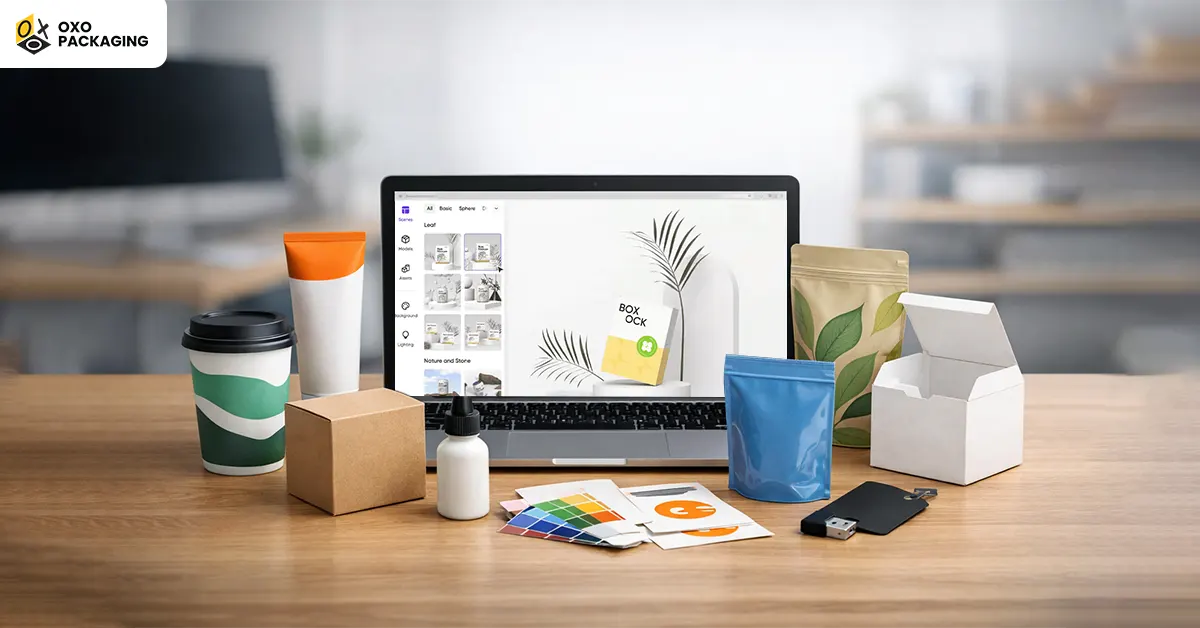
When it comes to real-time 3D packaging rendering, Pacdora becomes a game-changer tool. Wondering how? Once you upload your artwork, Pacdora instantly wraps it onto a 3D packaging model. And you receive a photorealistic 3D packaging rendering which you can rotate, zoom, and customise.
If you sell products online, you can use these 3D mockups directly on Amazon product listings, Shopify stores, website banners, social media campaigns, pitch presentations, and packaging approvals. In other words, you don’t need to worry if your brand has no designer because Pacdora turn your packaging design into a professional studio shot in a matter of minutes.
Produce High-Resolution 3D Mockups and Animations
Beyond static images, Pacdora allows you to export PNG mockups with transparent backgrounds, 3D animations like box-folding videos, and HD renders with adjustable lighting. This gives your product a premium, cinematic presentation without needing a photographer or studio setup.
Another plus point of using Pacdora, it not only lets you export static images. With this tool, you can save PNG mockups with transparent backgrounds, 3D animations like folding box videos, and HR renders with adjustable lighting.
Hold a Simple and Intuitive Interface
Unlike conventional packaging design software with complex tools and CAD-style controls, Pacdora’s interface is as simple as a drag-and-drop design platform like “Canva”. Simply, if you can design a Canva post easily, you can also design your mockups easily using Pacdora too.
Explore Essential Benefits of Pacdora
Since you have explored key features of Pacdora that make it popular for designers and brands, now look at its exceptional benefits:
- Speed: Pacdora allows you to perform a given task in minutes, which used to take 2 or 3 professionals, a structural designer, a 3D artist, and a graphic designer.
- Precision: The Pacdora-generated dielines match the standard of packaging manufacturers exactly, which minimises costly revisions and sampling errors.
- Cost-Effectiveness: You don’t need separate software for multiple tasks like generating dielines, 3D mockups or rendering. You just buy Pacdora, and it serves you well as a one-stop solution for all these tasks while reducing your cost.
- Cloud-Based Convenience: With Pacdora, you have the freedom to work from anywhere and share your projects easily. You don’t need to indulge in more file-format drama.
- Ideal for E-Commerce and Marketing Teams: Whether you are an e-commerce brand or a marketing team member, you can influence potential customers by showing premium-level packaging visuals before a single box gets printed.
How Beginners and Professionals Leverage Pacdora?
By practising Pacdora, you won’t find a gap between design skills and professional results. This helps professionals and designers in the following ways:
Businesses
Brands, especially small ones, can avoid hiring specialised designers by using Pacdora's intuitive, Canva-like interface. Real-time 3D rendering allows brands to visualise their packaging before printing while reducing the need for expensive, time-consuming physical prototypes.
Graphic Designers
Instead of manually drawing complex, technical packaging layouts, graphic designers can input specific dimensions to instantly generate precise dieline files. The generated dielines include clear, colour-coded lines for trimming, creasing, and bleeding, ensuring they are immediately ready for manufacturing.
Packaging Experts
Access thousands of dieline templates (boxes, bottles, pouches, tubes) that are fully customisable by entering precise dimensions. And Instantly preview 2D designs on 3D models with 360-degree views, enabling rapid iteration and error reduction before printing.
Marketing Teams
Pacdora provides 3D cloud rendering that produces high-quality, 4K resolution images. These visuals are ideal for ecommerce product listings, social media campaigns, and marketing materials while offering a photorealistic, "studio-shot" look.
A Step-By-Step Guide on Using Pacdora
- Select a specific type of package (e.g., pouch, bag, bottle, box) you want to design
- Mention dimensions to create an automatic dieline
- Upload your desired artwork or design template inside the editor mode.
- Take a preliminary view in 3D with immediate rendering
- Personalise lighting, shadows, and textures
- Export your generated dielines or 3D mockups for manufacturing or marketing purposes.
Wrap Up!
To remain relevant in a modern digitised world, adopt the tool Pacdora instead of lagging with conventional software. Leverage this tool to avoid the outsourcing cost for every little task. And enjoy its unmatched freedom, speed, and visual power. Want to explore Pacdora? Click here, Pacdora.
Yes, Pacdora is free to use for its core features, allowing you to generate 3D packaging mockups, create dielines, and export designs. You can access 7,000+ templates and basic customisation tools without paying. However, premium, watermark-free, and high-resolution (4K) exports require a paid subscription.
Yes, there are several alternatives to Pacdora for 3D packaging design, dielines, and mockups. Top alternatives include specialised tools like Cefbox, Templatemaker.nl, and Packly for dielines, while Artboard Studio, Placeit, and Meshy are strong for 3D rendering and visualisation.
To download a free dieline from Pacdora, select a box template from their library and customise the dimensions. Then, click the download button to save the file in AI, PDF, or DXF format. The platform allows free customisation and export of these templates for, for example, tubes, pouches, and boxes.
The 7 basic steps to packaging design are defining the brief, conducting research, establishing the structural dieline, selecting materials, creating branding and artwork, prototyping, and final production. This process ensures the package is functional, brand-consistent, cost-effective, and shelf-ready.