


What DPI Means in Packaging? The Psychology Behind Quality Printing
Salman Shahid 2026-04-03 11:20:35
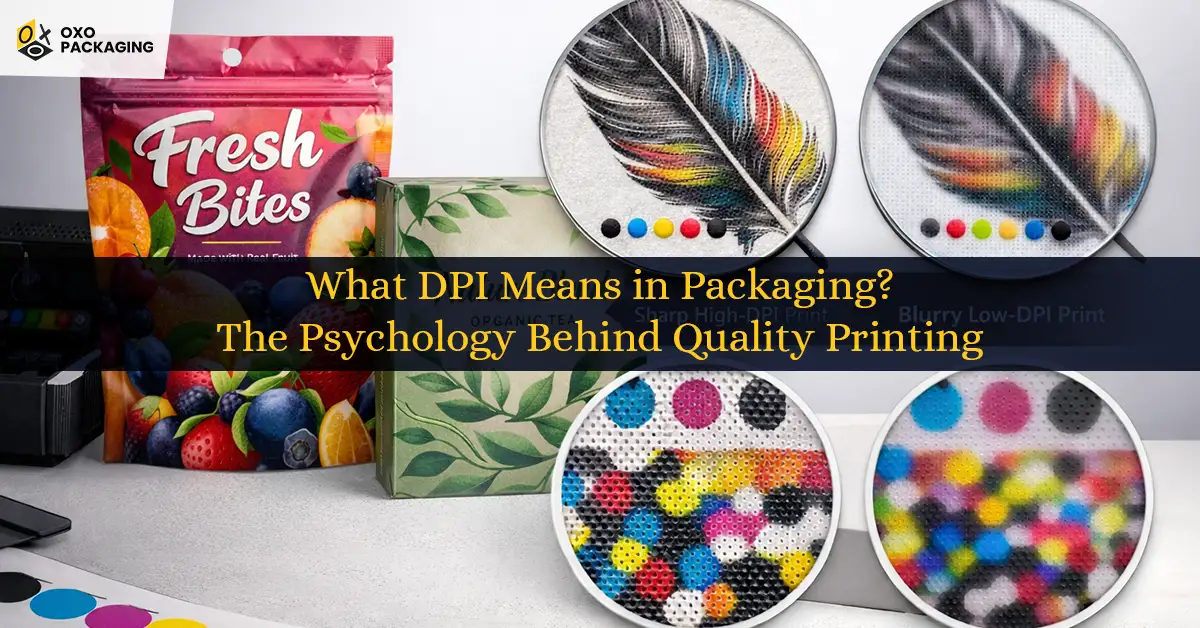
As we know, visuals influence purchasing decisions, build brand identity, and major credit goes to quality printing. However, ever wondered about the psychology behind quality printing, crisp images, and high-resolution patterns that shape the buyer's journey?
In simple terms, DPI stands for Dots Per Inch. Whether you are going for printing on cardboard boxes or mylar bags, what influences qualitative and top-notch printing is DPI, which means how accurately you analyse it will directly impact the final results.
Let’s walk you through this crucial method to avoid common printing issues, such as vagueness, blurriness, fading and ink smudging.
What Does DPI Mean in Packaging?
Printing resolution is measured in Dots Per Inch, which indicates the number of individual dots used in a printer to create within a linear one-inch space. That directly impacts the clarity and details of the printed images.
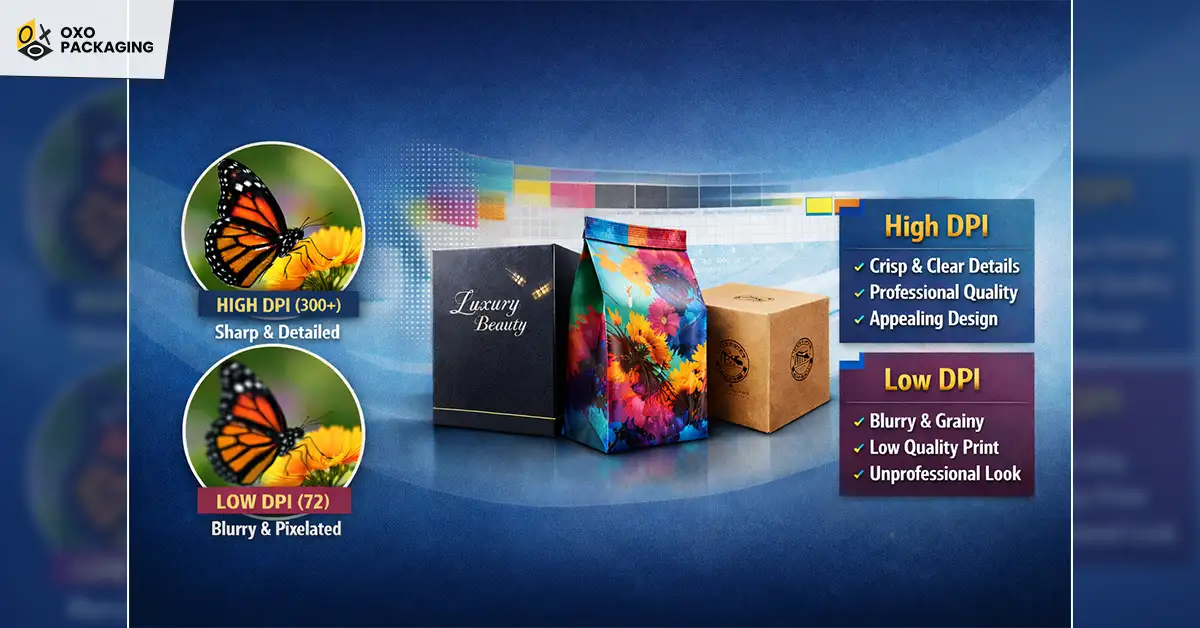
For example, a higher DPI value produces intricate detail and sharpness, while the use of low DPI produces low-quality resolution, which can impact your custom packaging visuals and designs. That’s why understanding and utilising proper DPI is crucial for brands to ensure that the packaging accurately conveys the design intent and appeals to consumers through crisp and high-definition images.
How DPI Affects Packaging Branding
DPI plays a significant role in how customers perceive your brand. High-resolution printing makes logos, product images, typography, and graphics appear clean and professional. Sharp packaging builds trust, improves shelf appeal, and increases the perceived value of your products. On the other hand, blurry or pixelated printing can negatively affect your brand image and reduce customer confidence.
Whether you are printing custom kraft boxes, rigid boxes, corrugated packaging, or Mylar bags, using the correct DPI ensures your branding remains consistent across every packaging order.
DPI vs PPI: Key Differences
PPI stands for Pixel Per Inch, which refers to the number of pixels used to make up every inch of a digital image. PPI is used to measure the image resolution on a screen, while DPI is used to measure the image resolution on printing and the number of dots per inch that is used to produce printing.
Think of it this way: if you hold a printed paper bag in your hand, you should be looking for details and crisp printing, which is DPI. On the other hand, if you are a graphic designer, or if not, to check the printing quality of the picture, you will look at the digital image on the screen, which is PPI.
How to Choose the Perfect DPI Quality Printing Packaging?
The right DPI for printing can’t be specific; it totally depends on the printing materials you will be using. For which you must understand the printing paper thickness and durability to provide intricate details. However, designers and printers use the following standard guidelines for quality printing packaging:
|
|
|
|
|
|
|
|
|
|
|
|
|
|
|
|
|
|
|
|
|
Why Should You Use 300 DPI?
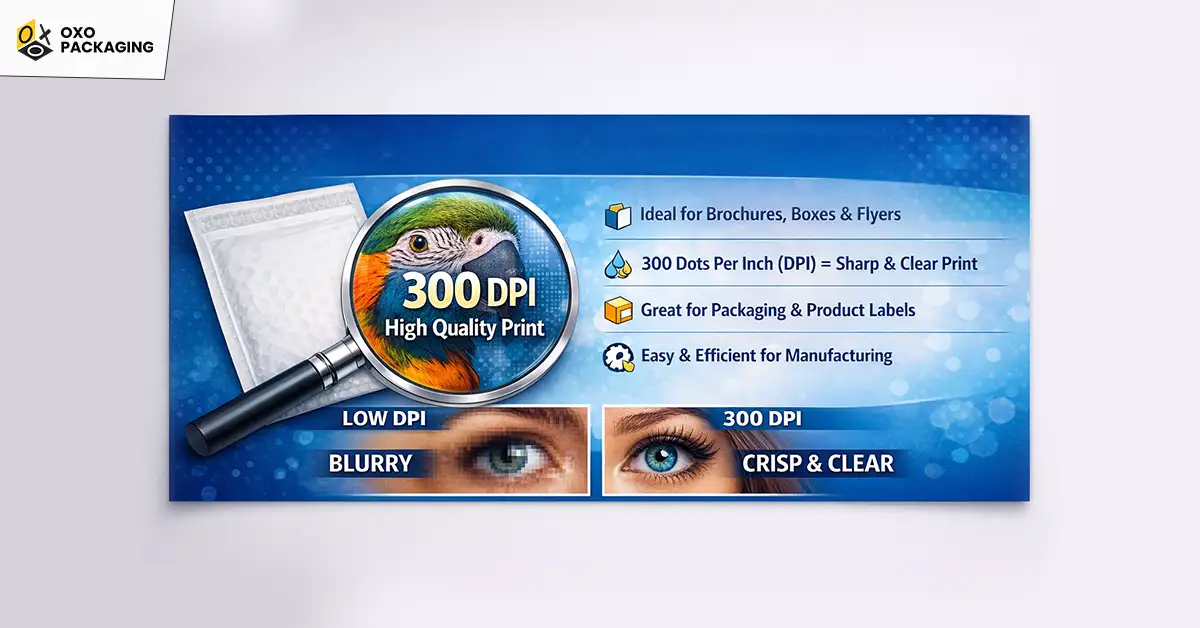
300 DPI is a benchmark for brochures, boxes, flyers, and most of the product packaging. For most of the boxes, brands do not go above to print high-resolution images and stay under 300 DPI. If you use 300 DPI for an image, it means that the image is made up of 300 dots of ink.
However, larger images may require higher resolution. Furthermore, 300 DPI on boxes is suitable for human eyes, and it doesn’t complicate the manufacturing process for brands running short on time.
Best File Format For High-Quality Packaging Printing
Choosing the right format is just as important as selecting the correct DPI. Professional printers generally recommend the following formats.
|
|
|
|
|
|
|
|
|
|
|
|
|
|
|
|
|
|
|
|
|
|
|
|
How to Check DPI Before Printing Designs?
It's better to check the DPI first before sending for printing. Here are some simple ways you can use to verify DPI:
- On Windows: Right-click the image, go to details, and find Horizontal resolution and Vertical resolution.
- In Photoshop: Open file > Image > Image Size. Check the resolution and pixel dimensions.
- In Illustrator: Document Raster Effects Settings
Factors to Consider for Choosing the Right DPI
Now that you’re familiar with the use of DPI, it’s time to look at the factors you should consider to print out boxes in large volumes. Whether you’re investing in compact pillow boxes or large rigid boxes, you must understand the following factors to avoid blunders and errors.
Size
If you are choosing large boxes that need to be printed, the dot density will be higher than smaller boxes, which will require high density to scrutinise high resolution without being blurry and smudgey. While small boxes can be covered in 150 to 300 DPI, the large boxes may require 300 DPI to exhibit clarity and crisp images. So it is proven that for larger images, you’ll need a high DPI to accommodate the size.
Paper, Printer, and Ink Quality
After deciding on images, comes the task of choosing the right paper and ink for excellent packaging. As every printer's printing capacity is different, considering the ink and paper factors is important before printing.
Distance of View
How far away the viewer will be from the printed image can affect your required resolution. The further away you stand, the less detail you need to see. This applies best to posters and certain art prints.
Common Mistakes to Avoid With DPI for Quality Printing
The technical details of DPI can even confuse experienced designers. Some of the common mistakes you should avoid include:
- Always ensure that your image is maximum 300 DPI, rather than 72 or 96 DPI, which are designed for digital screens, as they will result in blurry, pixelated or grainy prints.
- Avoid upscaling resolution from 72 to 300 in software, as it does not add more detail to an image; it makes the existing pixels bigger, which results in a blurry image.
- Always check the DPI in pdf as some PDF export settings can automatically downsample images.
- Do not confuse DPI with PPI, as it can also complicate the process and ruin packaging.
Get Help From Experts in the Creation of Your Branded Packaging
The happiness of receiving the right boxes, which are both appealing and protective, is approved by customers, and for you as well. OXO Packaging offers free design support and we can help you out in finding the right DPI for your packaging to make your boxes look premier on shelves. Contact us today and enjoy free assistance right away!
DPI in packaging stands for Dots Per Inch, and it is used to measure the image quality when printed on surfaces such as boxes, hang tags, stickers, and cards.
The DPI depends on the printing type, paper quality, and the surface you are printing the image on. For brochures and stickers, 150 DPI is great. However, for product boxes, you should choose 300 DPI.
Yes. For most commercial printing, 300 DPI is considered the standard DPI for printed work. It provides crisp text, sharp images, and professional-grade clarity for most types of printed work.
Although DPI (dots per inch) and PPI (pixels per inch) are used interchangeably, they refer to two very different things. PPI refers to display resolution, while DPI refers to the resolution of a printed image once it completes the printing process.